Response Handlers
Crawlers use HTTP response handlers to evaluate crawling responses. Each response handler implements the Http\Message\Handler\ResponseHandler interface.
Method Reference
Each response handler must implement the following methods:
onSuccess
Whenever a HTTP request is successful, this method is called.
namespace Vendor\Http\Message\Handler;

use EliasHaeussler\CacheWarmup;
use Psr\Http\Message;

final class MyCustomHandler implements CacheWarmup\Http\Message\Handler\ResponseHandler
{
    public function onSuccess(
        Message\ResponseInterface $response,
        Message\UriInterface $uri,
    ): void {
        // ...
    }
}
onFailure
When a HTTP request fails due to an error or exception, this method is called.
namespace Vendor\Http\Message\Handler;

use EliasHaeussler\CacheWarmup;
use Psr\Http\Message;
use Throwable;

final class MyCustomHandler implements CacheWarmup\Http\Message\Handler\ResponseHandler
{
    public function onFailure(
        Throwable $exception,
        Message\UriInterface $uri,
    ): void {
        // ...
    }
}
Available handlers
The library already ships with a set of response handlers.
CompactProgressHandler
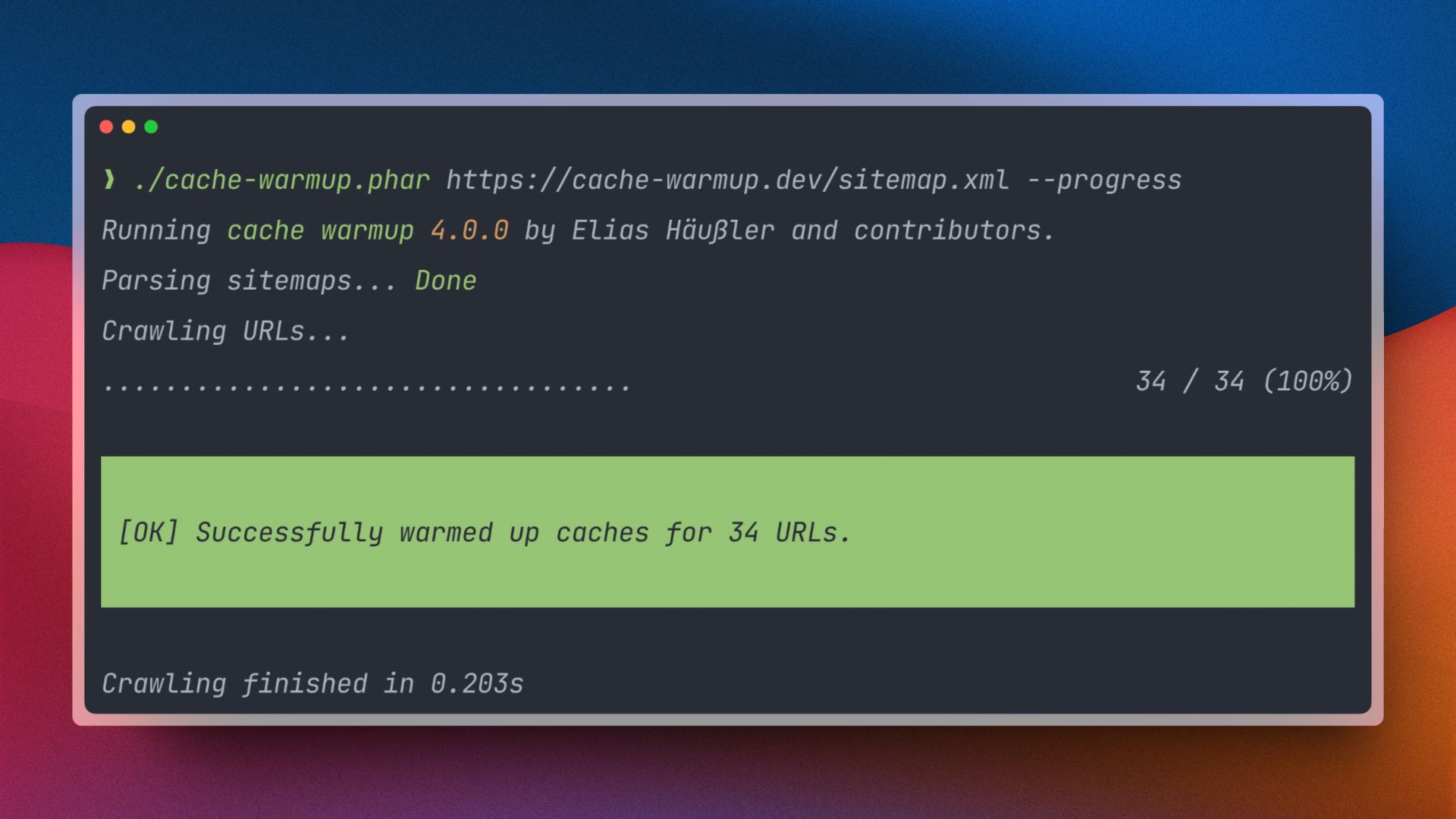
The Http\Message\Handler\CompactProgressHandler is used in the OutputtingCrawler if the progress configuration option is enabled and the --verbose command option is not set. It displays the cache warmup progress in a compact progress style:
LogHandler
When logging is enabled with the logFile configuration option, the Http\Message\Handler\LogHandler takes care of writing log file entries for each crawling response.
This handler is enabled in both default crawlers.
ResultCollectorHandler
Each cache warmup process results in an instance of Result\CacheWarmupResult. The Http\Message\Handler\ResultCollectorHandler takes care of converting each crawling response to a dedicated Result\CrawlingResult object and attaches it to the CacheWarmupResult object.
This handler is enabled in both default crawlers.
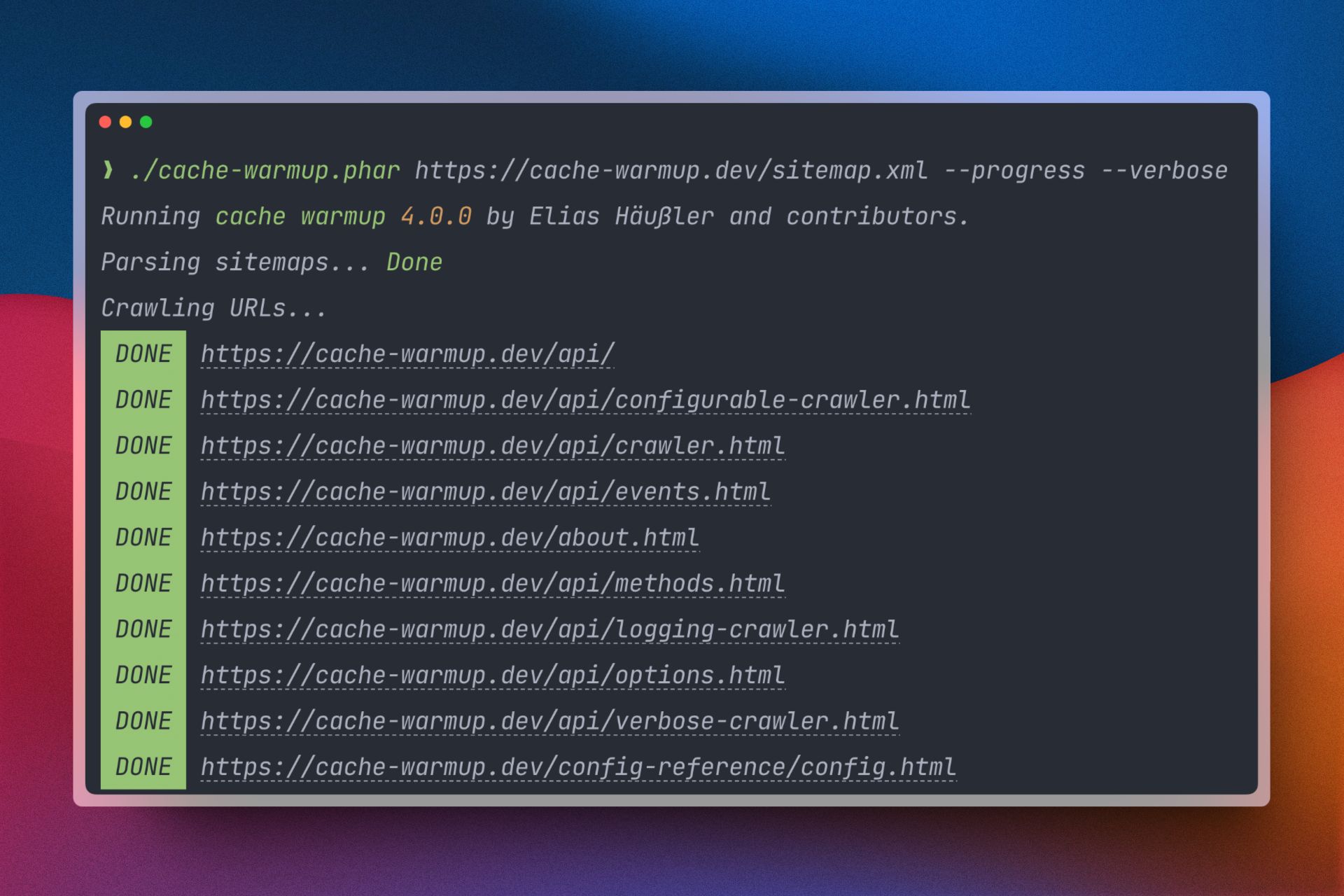
VerboseProgressHandler
The Http\Message\Handler\VerboseProgressHandler is used in the OutputtingCrawler if the progress configuration option is enabled, along with the --verbose command option. It displays the cache warmup progress in a more detailed verbose progress bar style: